Native SSH, SFTP and RDP client for your servers

Connect to Linux and Windows servers, manage files, run commands and open remote desktops in one macOS and iPadOS app.

SSH SFTP RDP macOS iPadOS terminal file manager

Key Features

Multiple remote hosts

Store unlimited SSH, SFTP and RDP connections and quickly switch between servers.

Host groups and drag & drop

Organize hosts into groups (production, staging, clients) and reorder them with drag & drop.

Flexible tabs

Pin frequently used hosts, auto-connect on launch, drag tabs and manage many parallel sessions.

Key management

Generate SSH keys in the app, import existing ones and pick a key for each host.

Built-in terminal

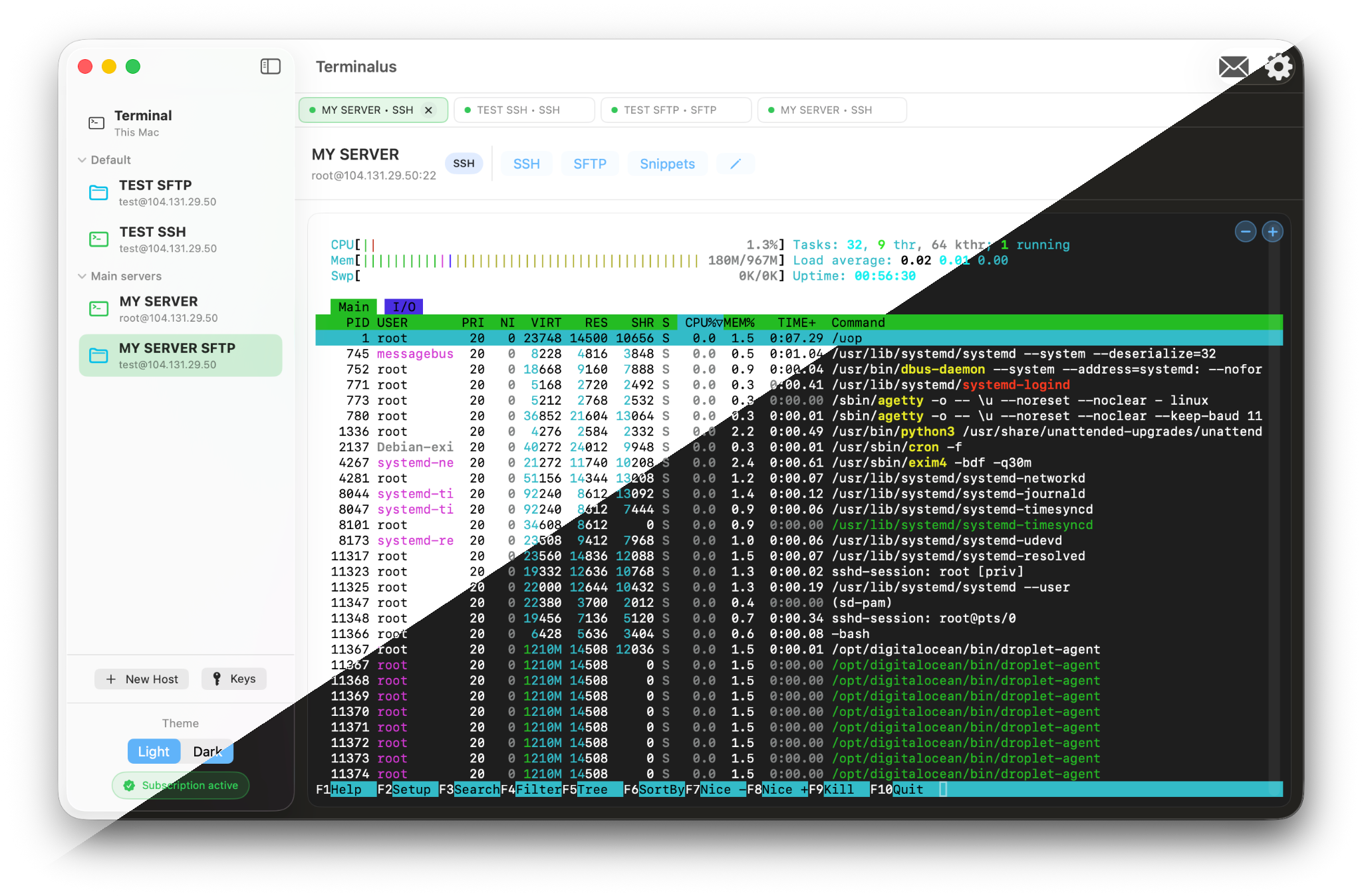
Run commands in a native terminal with per-host snippets, adjustable font size and local shell support.

File manager for servers

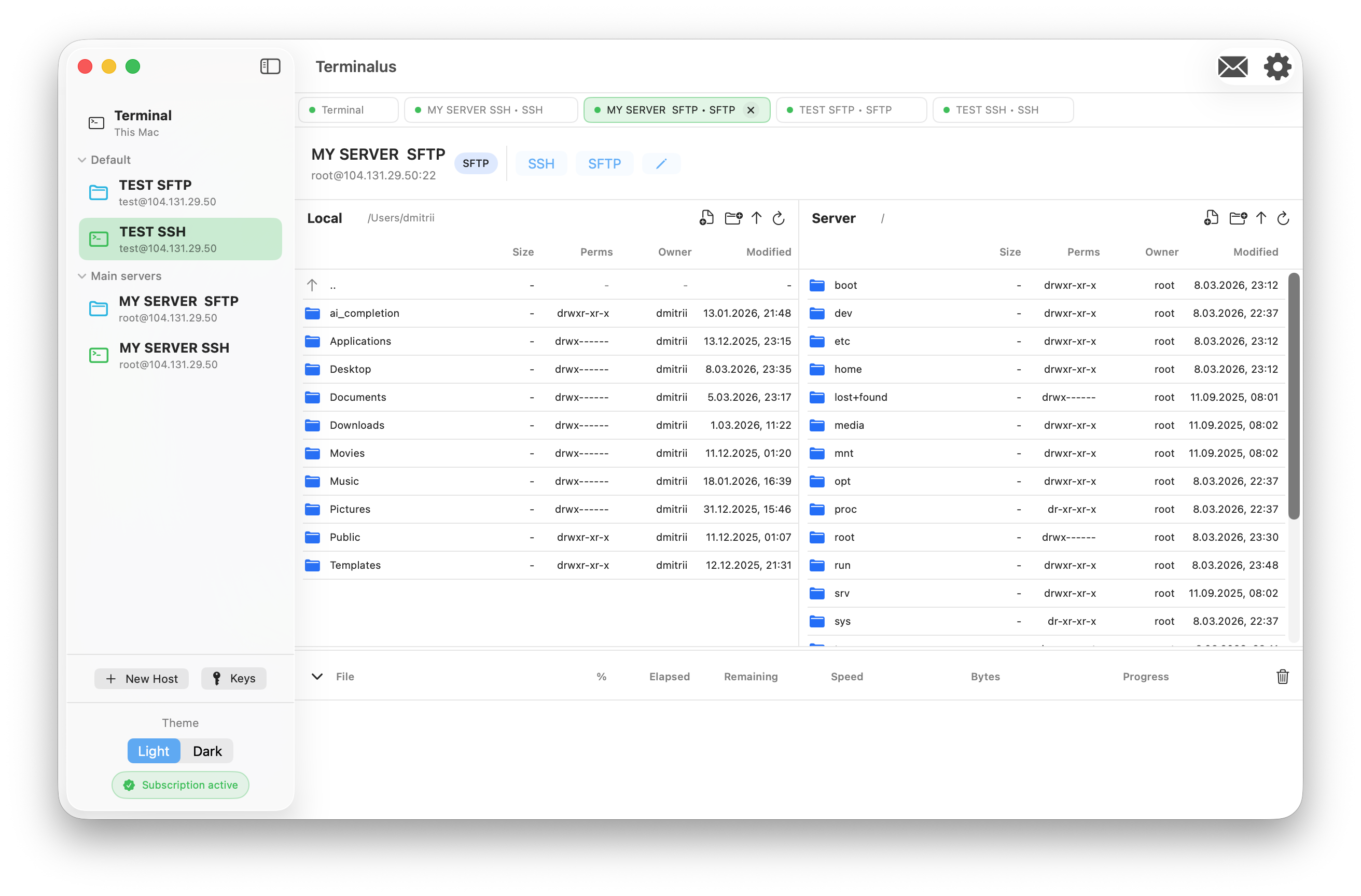
Copy files between local and remote hosts in both directions, rename, edit, unpack archives and track every action in the log.

RDP for remote desktops

Connect to Windows servers and workstations over RDP directly in Terminalus, alongside SSH terminals and the SFTP file manager.

Full clipboard support

Copy and paste data between your Mac or iPad and a remote RDP session, including fast copy operations for everyday work.

Automatic screen resizing

The RDP session adapts the remote server screen size to the app window, keeping the desktop comfortable as you resize.

Interface

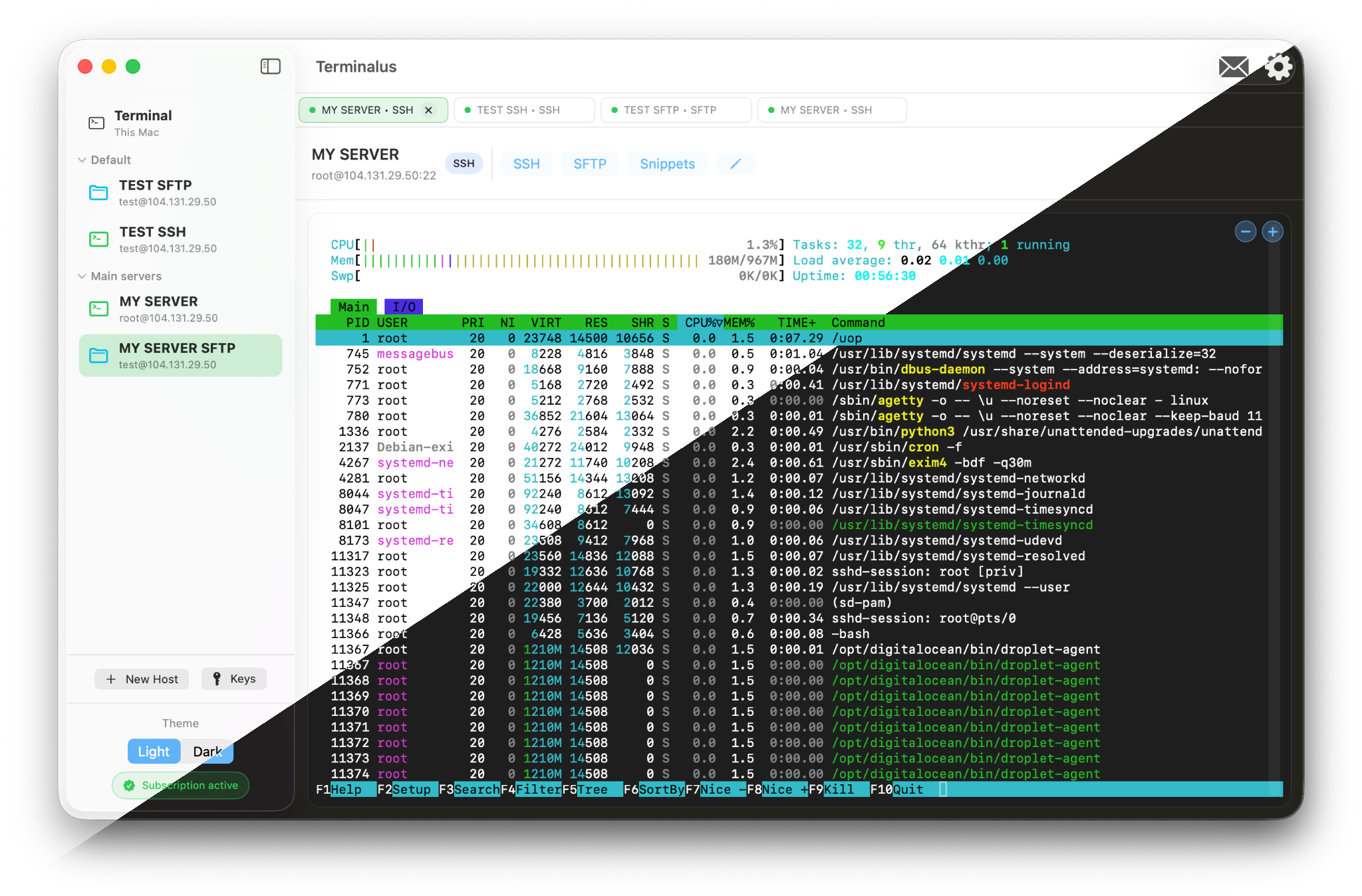
Hosts, groups and active connections in one window Hosts, groups and active connections in one window

Hosts, groups and active connections in one window

Two-panel file manager for remote servers Two-panel file manager for remote servers

Two-panel file manager for remote servers

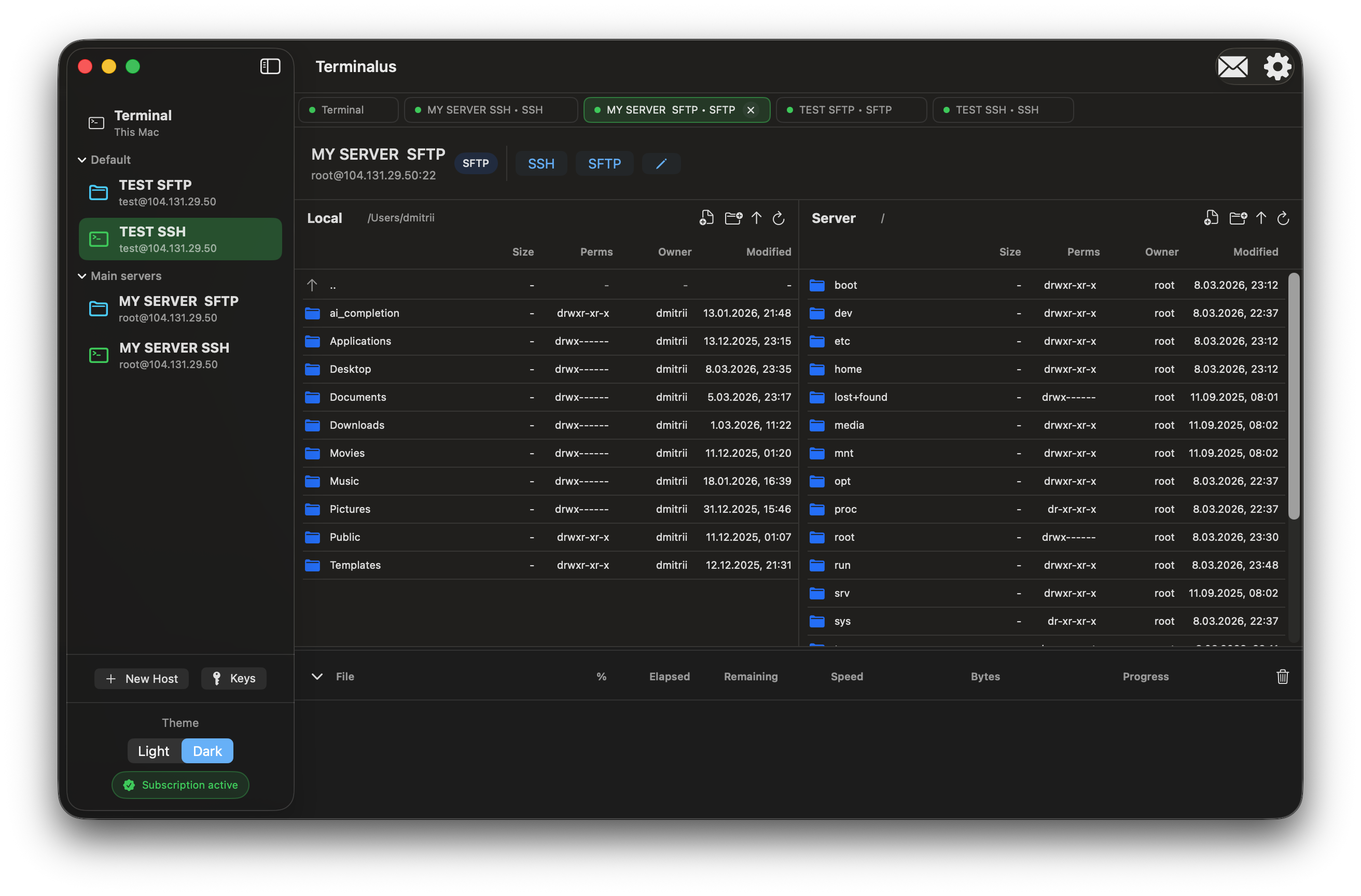
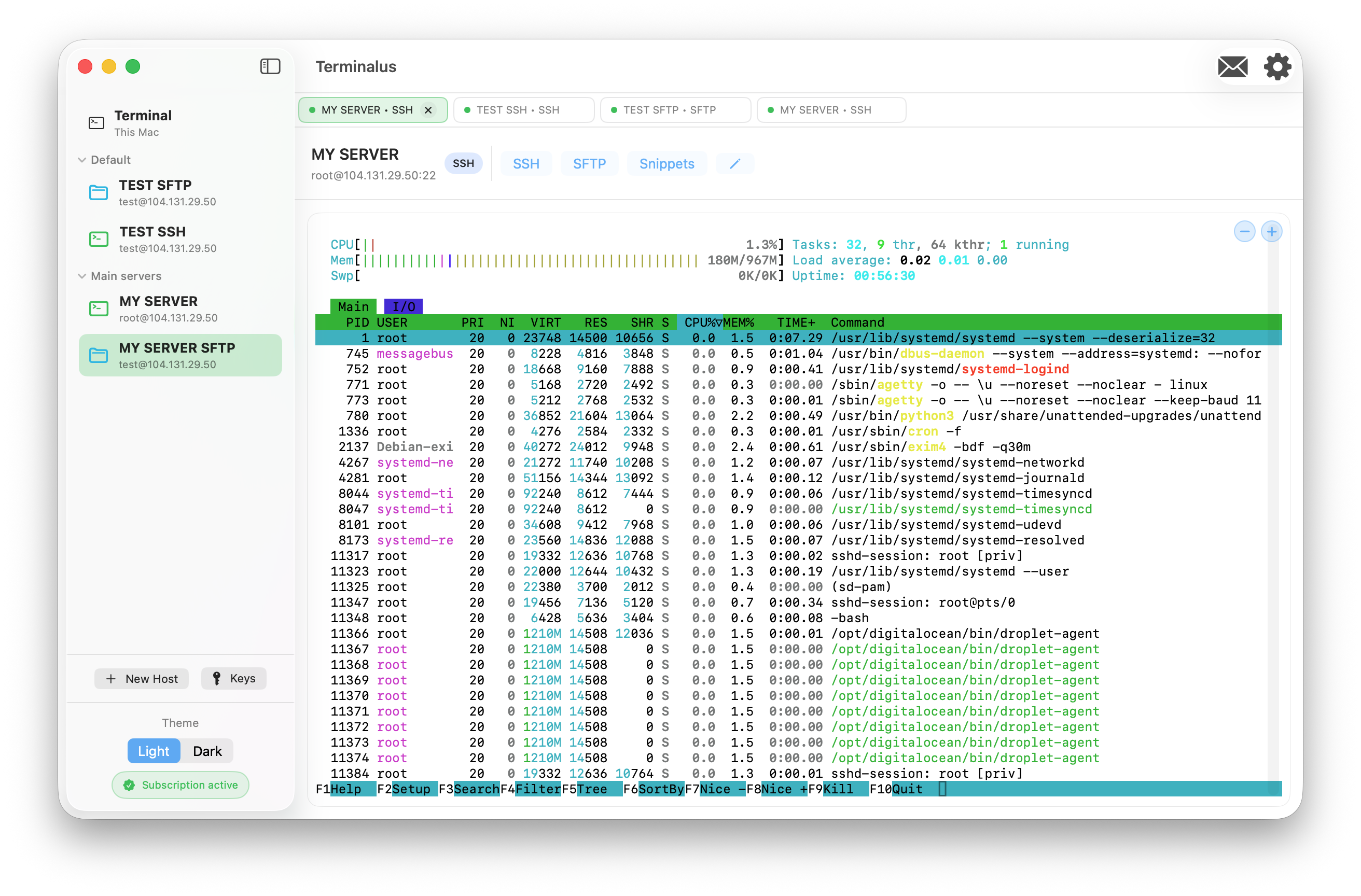
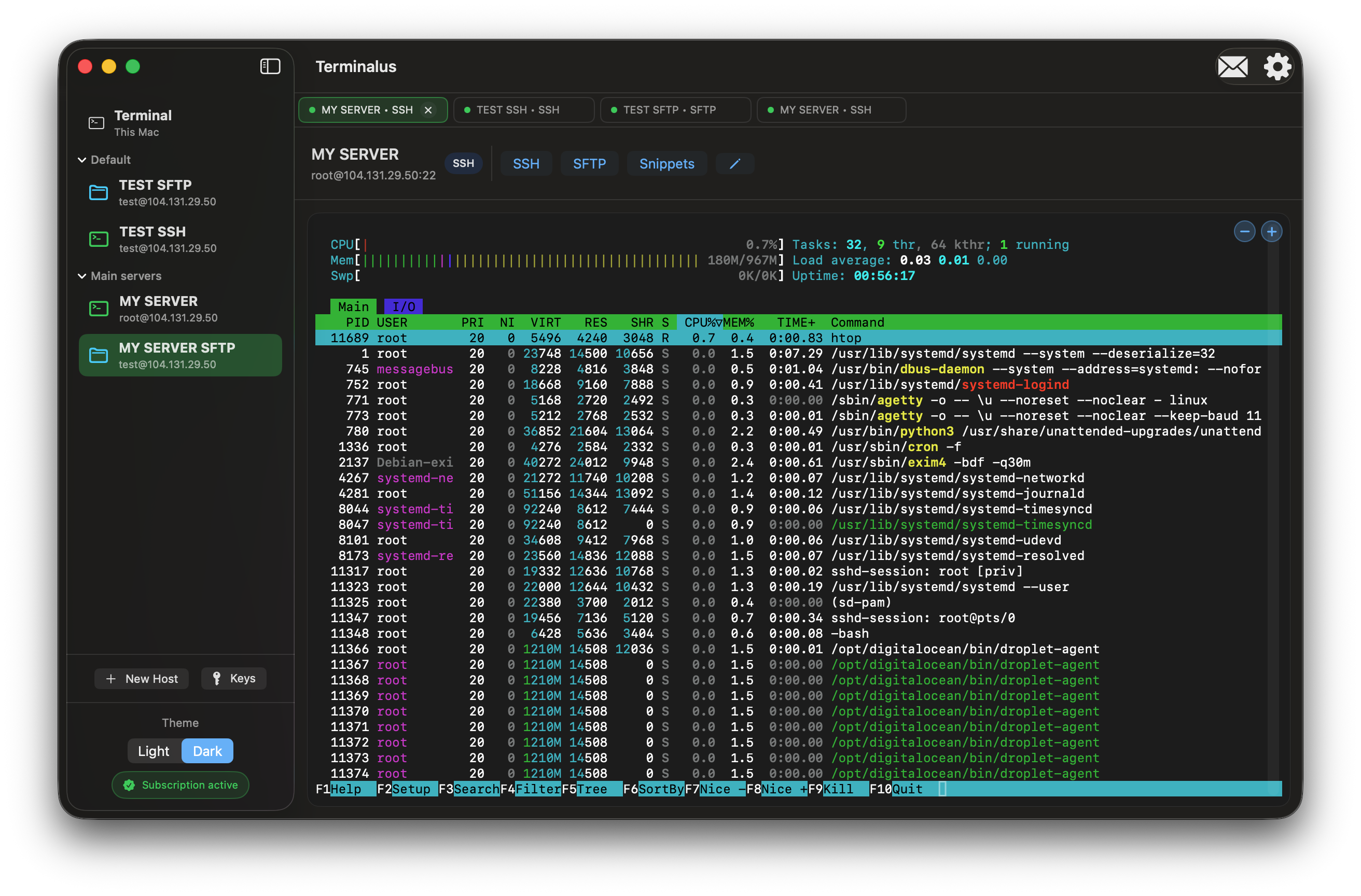
Light and Dark Themes Light and Dark Themes

Light and Dark Themes

About Terminalus

Terminalus is a native SSH, SFTP and RDP client for macOS and iPadOS. It combines a terminal, file manager, remote desktop and connection manager in one window.

The app is built for developers, DevOps engineers and administrators who need fast access to Linux and Windows servers without switching between multiple tools.

  • Local-first approach:

    Connection settings and logs are stored locally on your devices. Terminalus does not send your server credentials to third-party servers.

  • Host groups and tabs:

    Group hosts by projects and environments, open multiple sessions in tabs and quickly switch between them.

  • Integrated terminal:

    Work in a native terminal with per-host snippets, customizable font size and support for both local and remote sessions.

  • Powerful file transfers:

    Copy, move and delete files on remote servers, including bulk operations, with clear progress and error reporting.

  • Flexible editor integration:

    Choose your default editor for remote files. Terminalus uses a temporary folder so you can edit locally while changes sync via SFTP.

  • Designed for macOS and iPadOS:

    Built with modern Apple technologies and supports light and dark appearances, keyboard shortcuts and trackpad gestures.

  • Remote desktop over RDP:

    Open RDP sessions for Windows servers and workstations in the same app that already contains SSH, SFTP, host groups and tabs.

  • Comfortable RDP workflow:

    Use full clipboard support with fast copy and automatic screen resizing for the remote server inside the app window.
Technology Stack

  • SwiftUI
  • SwiftTerm
  • SSH, SFTP and RDP
  • Network.framework
  • Security & App Sandbox