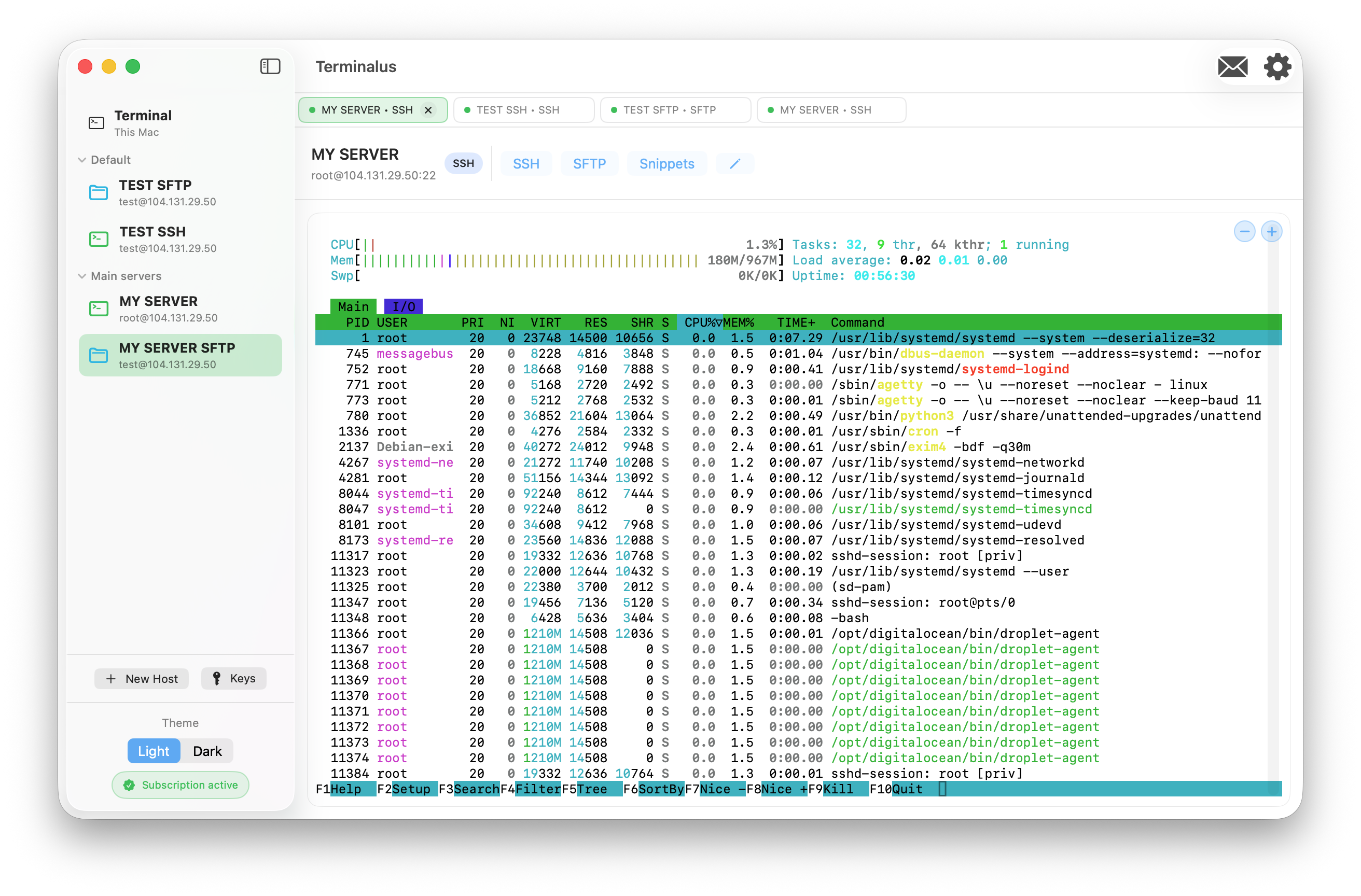
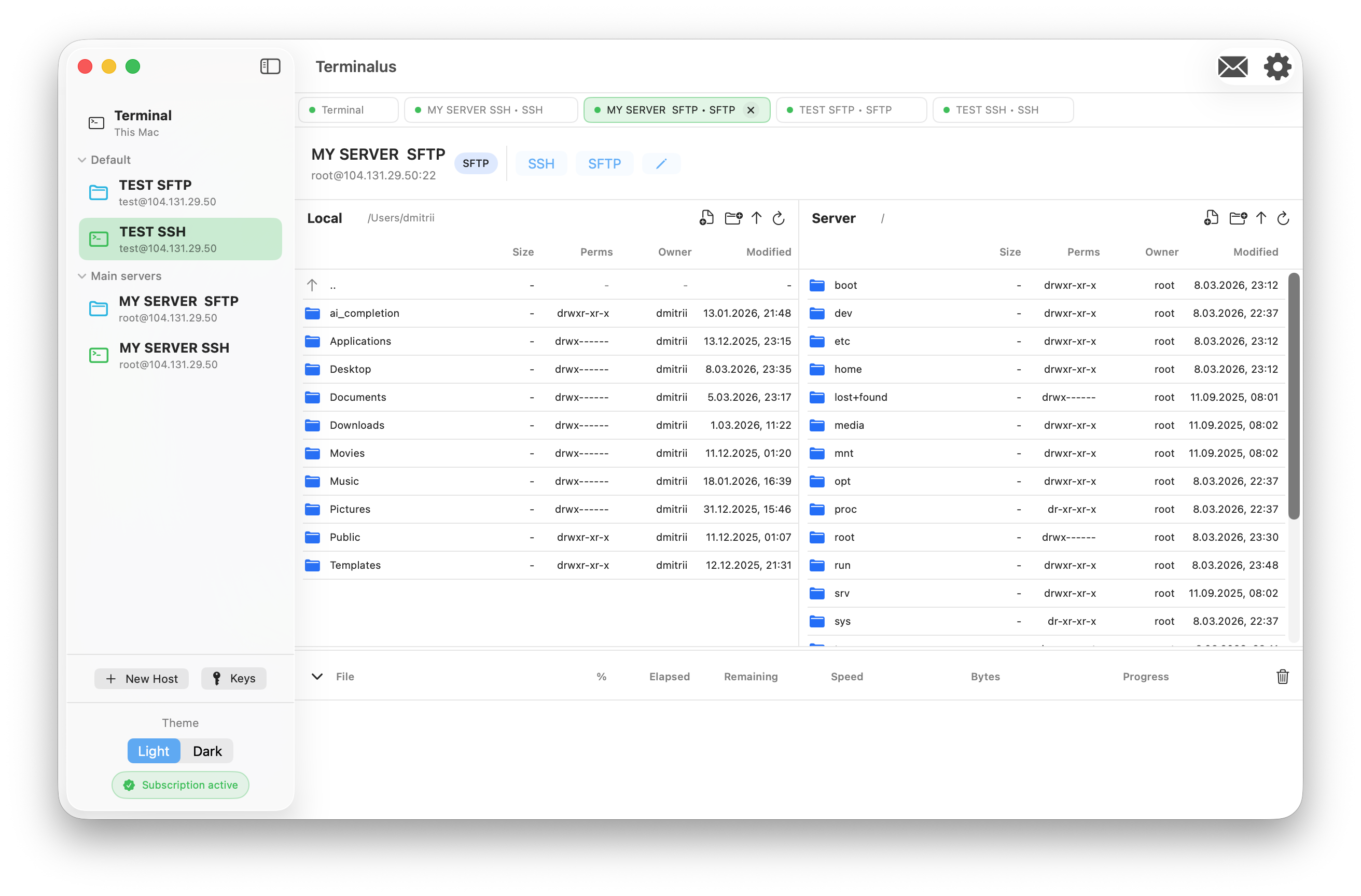
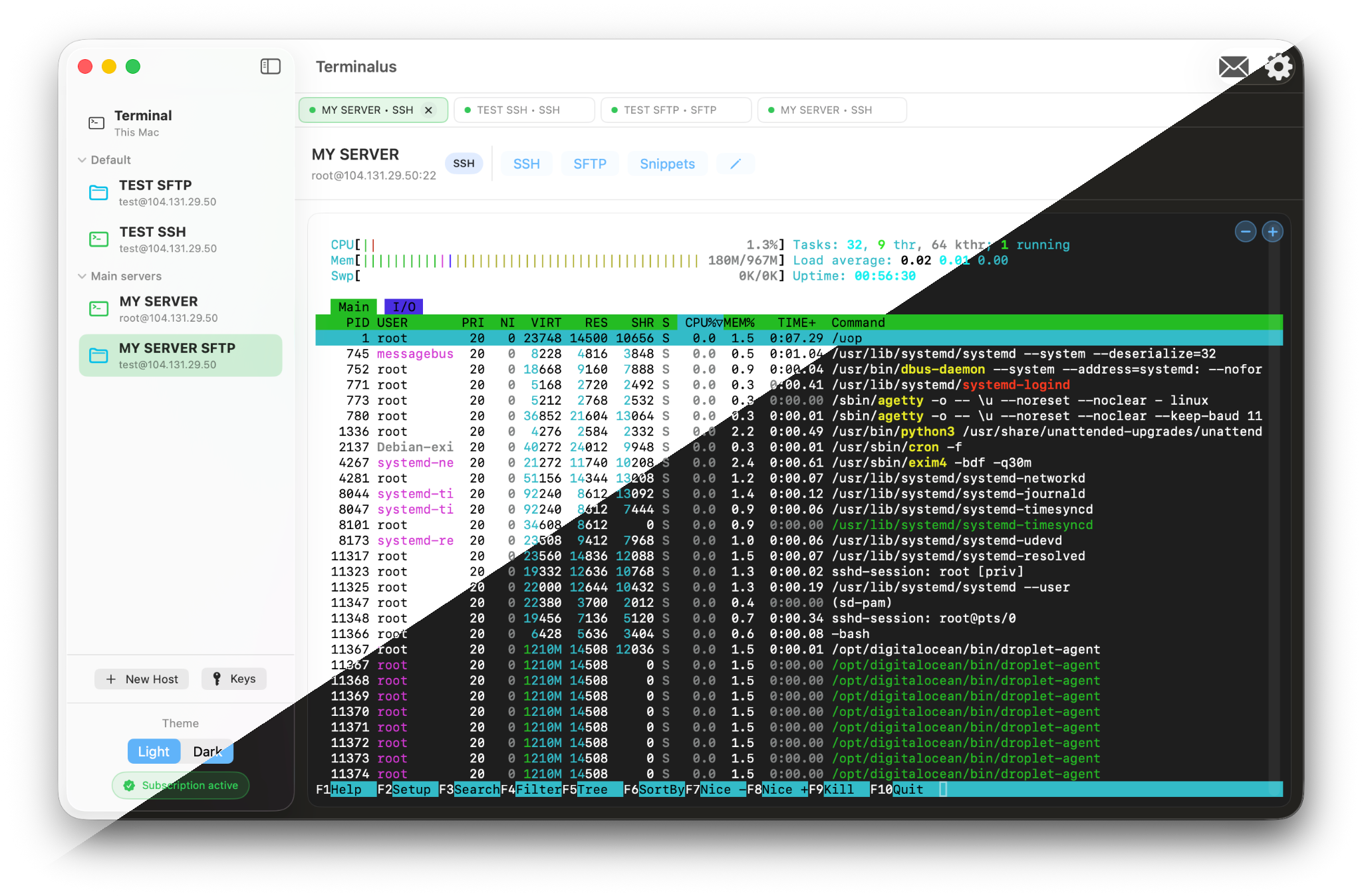
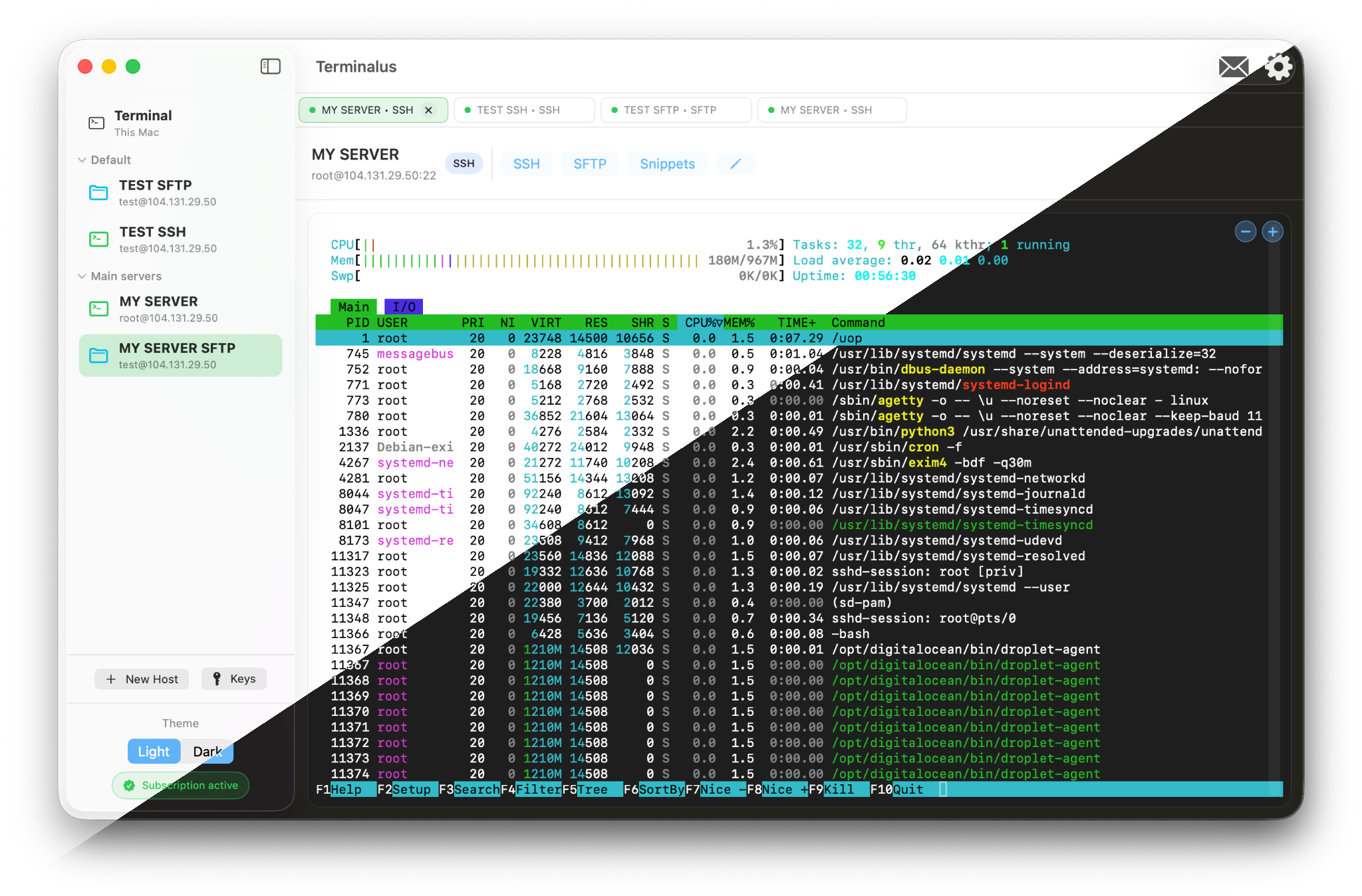
Terminalus is a native SSH, SFTP and FTP client for macOS and iPadOS. It combines a terminal, file manager and connection manager in a single window.
The app is built for developers, DevOps engineers and administrators who work with many servers every day and want a fast Mac-native workflow without browser tabs and web panels.
-
Local-first approach:
Connection settings and logs are stored locally on your devices. Terminalus does not send your server credentials to third-party servers.
-
Host groups and tabs:
Group hosts by projects and environments, open multiple sessions in tabs and quickly switch between them.
-
Integrated terminal:
Work in a native terminal with per-host snippets, customizable font size and support for both local and remote sessions.
-
Powerful file transfers:
Copy, move and delete files on remote servers, including bulk operations, with clear progress and error reporting.
-
Flexible editor integration:
Choose your default editor for remote files. Terminalus uses a temporary folder so you can edit locally while changes sync via SFTP.
-
Designed for macOS and iPadOS:
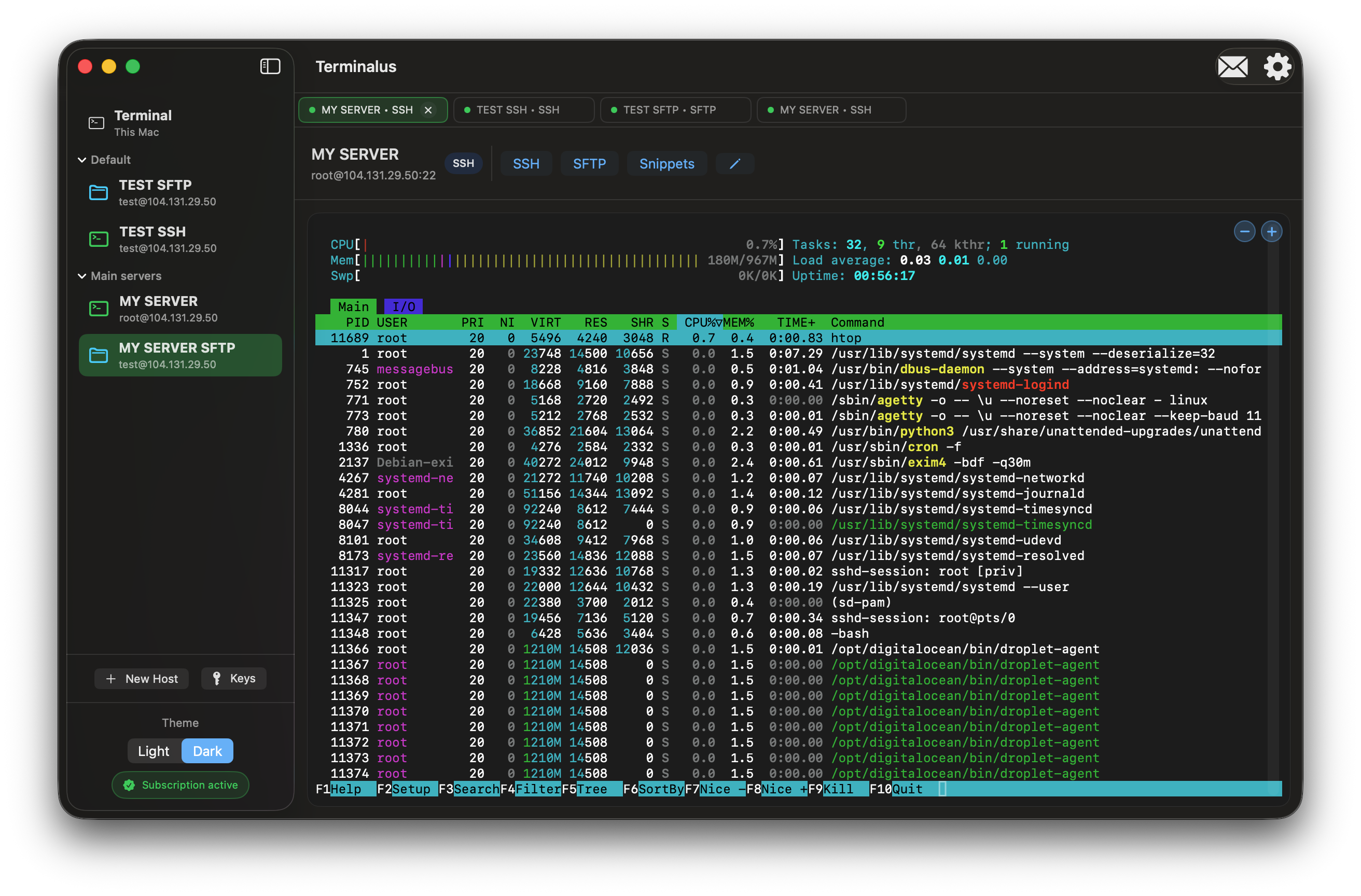
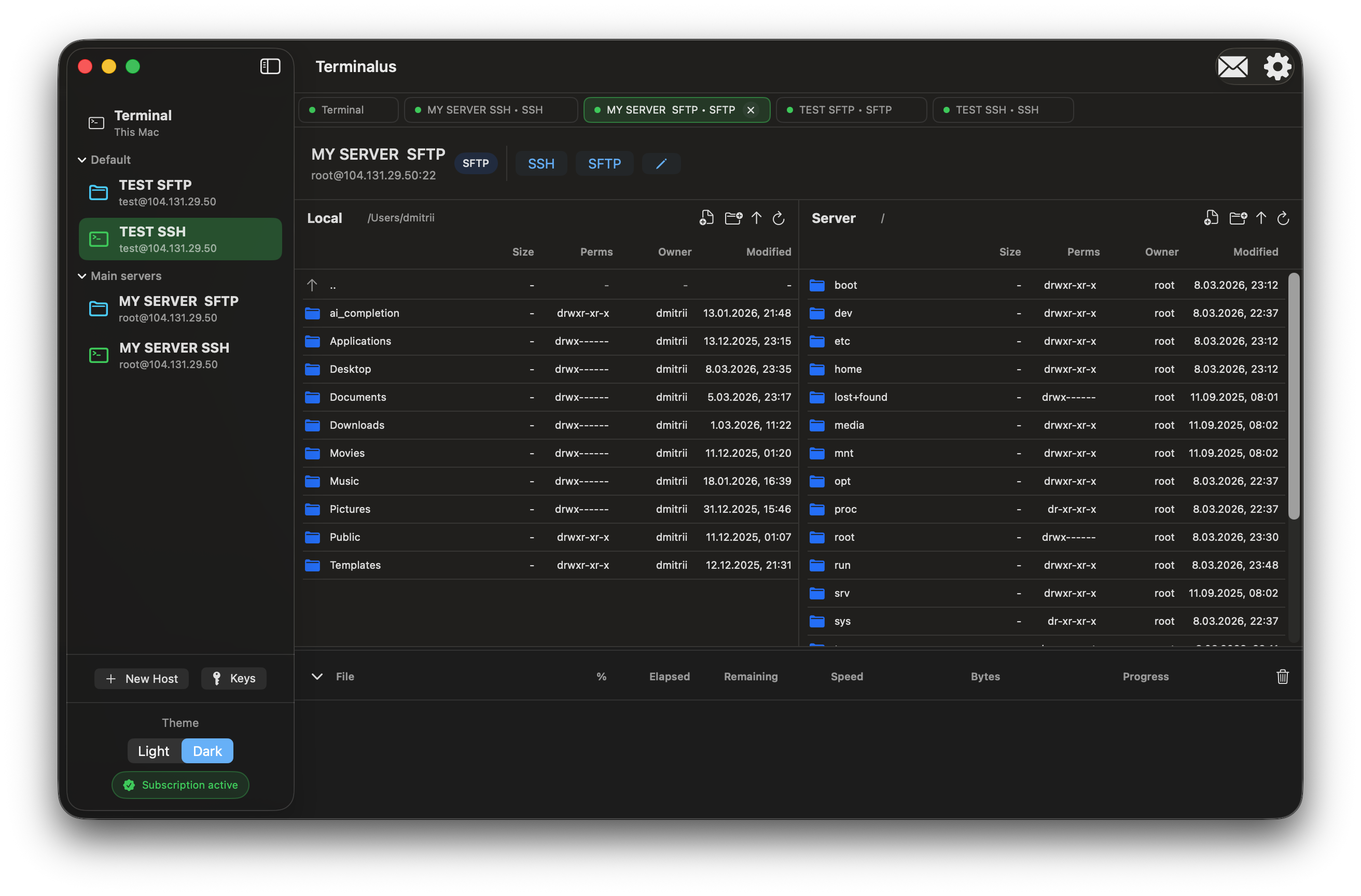
Built with modern Apple technologies and supports light and dark appearances, keyboard shortcuts and trackpad gestures.