Remote desktop
Open RDP sessions for Windows servers and workstations next to SSH terminals, SFTP and host groups.
Work with Windows desktops inside Terminalus, with remote audio and automatic screen resizing. On iPad, choose touch or trackpad mode and use a hardware keyboard.
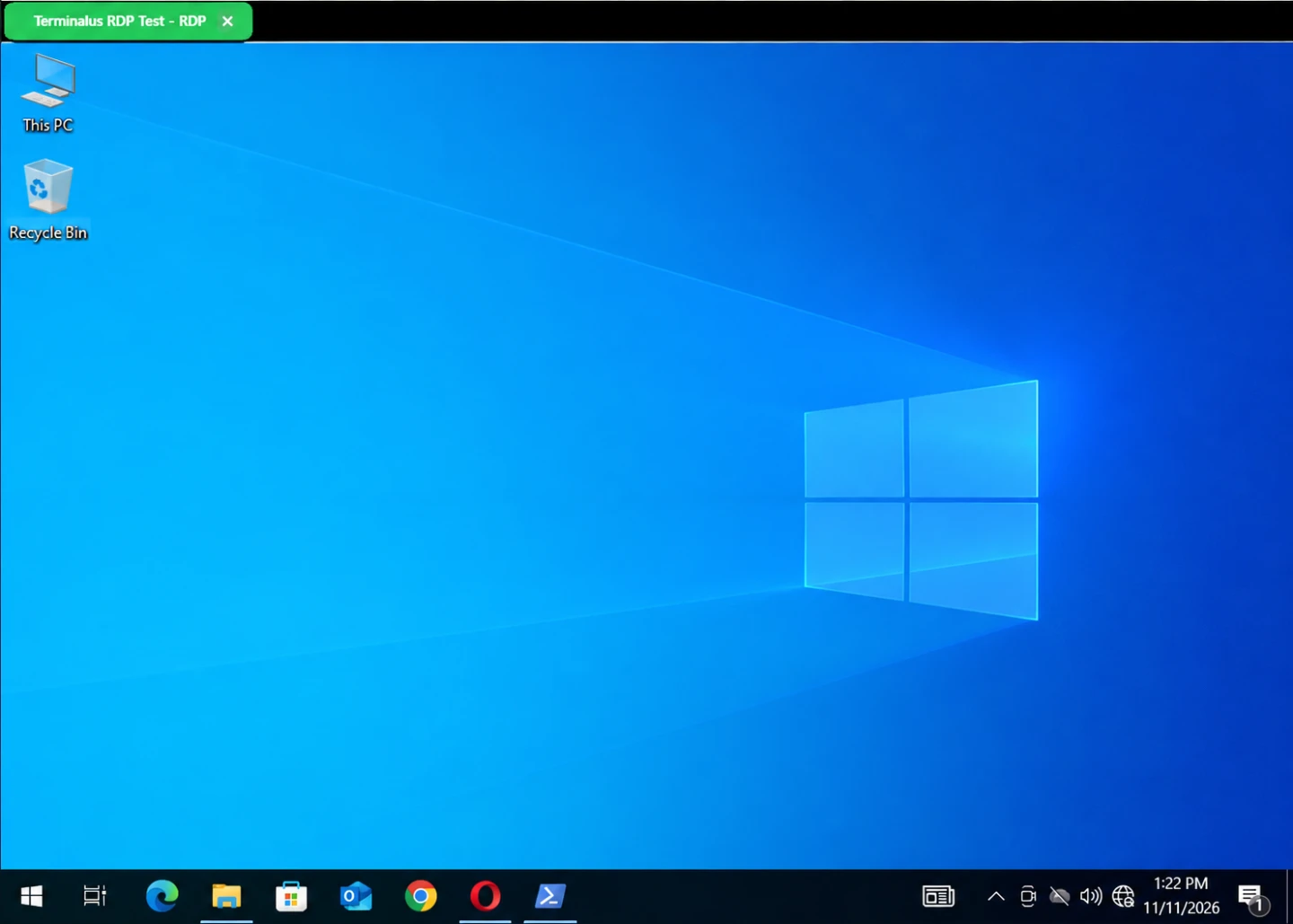
Mac · Windows remote desktop
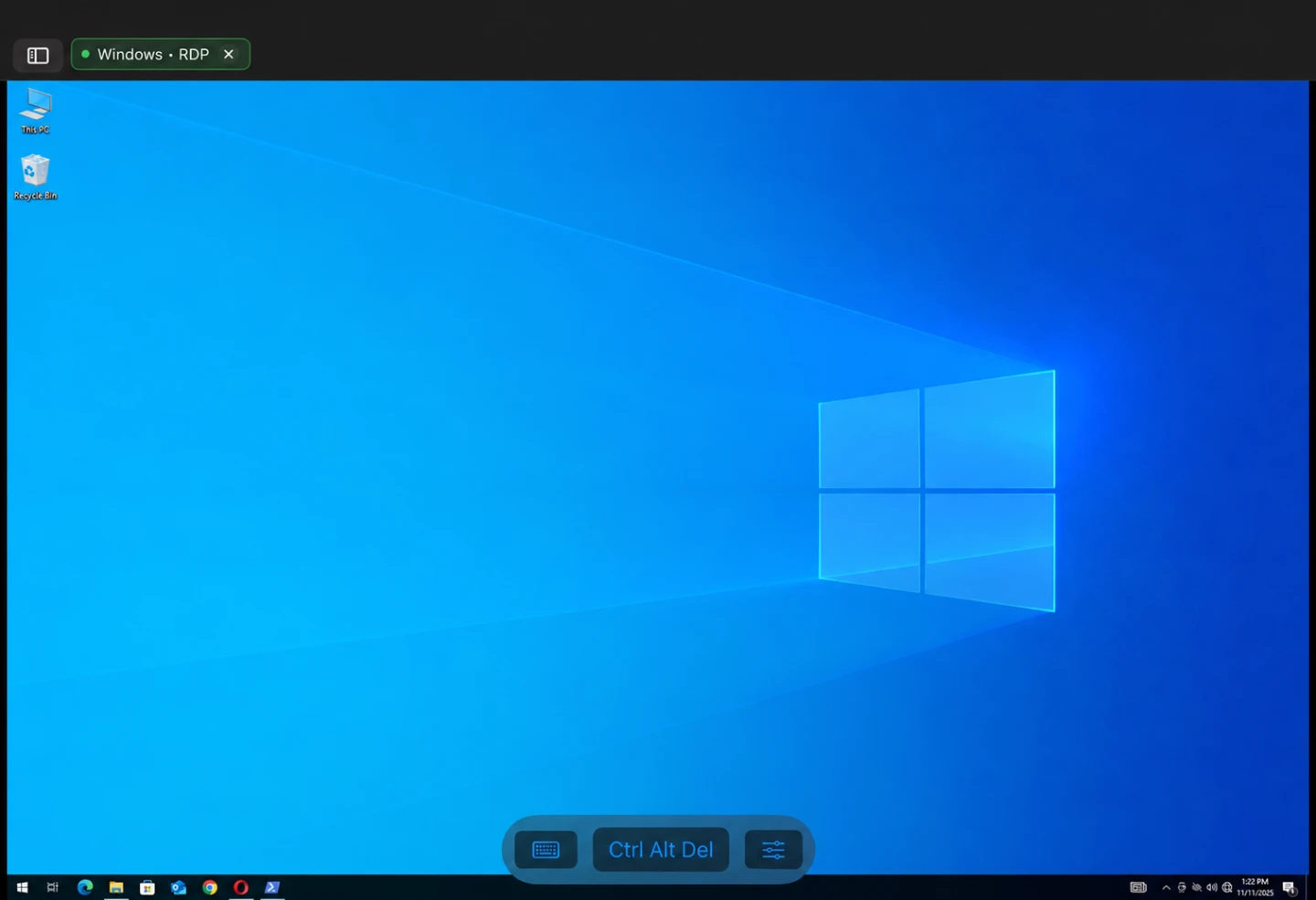
iPad · Windows remote desktop
Open RDP sessions for Windows servers and workstations next to SSH terminals, SFTP and host groups.
Copy text between your Mac or iPad and a remote Windows computer. On Mac, you can also copy remote files through Finder.
Terminalus automatically adapts the remote server screen to the app window, without manual resolution changes.
Terminalus helps you work with different server types from one app: SSH for command-line work, SFTP for files and RDP for remote desktops.
This is useful when your infrastructure includes both Linux and Windows servers and daily work requires fast switching between terminal, files and graphical sessions.